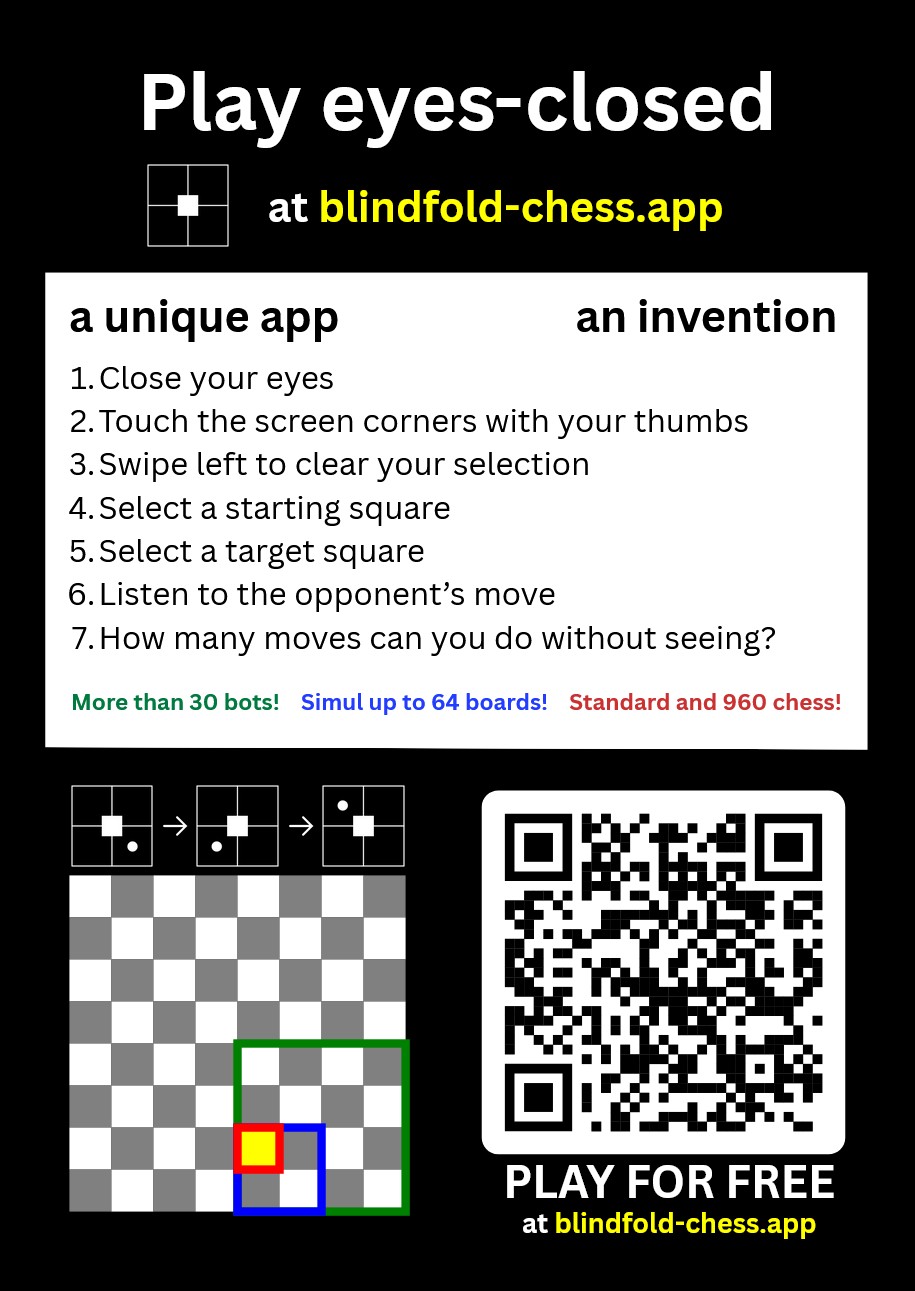
For most chess players, blindfold chess is a chosen challenge. For visually impaired chess players, playing without seeing is the only option. This special release is for them.
Special Menu System for Visually Impaired Players 🤝
We are delighted to introduce the Special Menu System, bringing complete eyes-free menu navigation, setting configuration, and game launching to blindfold-chess.app!
While our games have always been fully playable eyes-closed with audio guidance, navigating the menus previously required looking at the screen. Now, the app can be explored and controlled through simple touch swipes or keyboard presses.
A request to friends, family members, teachers, and guides of visually impaired chess players:
Standard screen readers (like Narrator, NVDA, VoiceOver, or TalkBack) intercept touch exploration and keystrokes, which interferes with the app's custom audio-guided controls. Therefore, the screen reader needs to be turned off while using the app. We warmly ask friends and family to help visually impaired players the first time to open the site, learn the key combination or other shortcut for turning off the screen reader, and help them perform Special Menu System activation. Once the visually impaired player understands the app's working, they can easily activate the Special Menu System, navigate the app and play chess completely on their own!
The steps are:
When using a keyboard:
- Navigate to https://blindfold-chess.app, the Home page.
- Turn off the screen reader via its key combination. (On Windows, often:
Windows logo key + Ctrl + Enter or Windows logo key + Ctrl + T. On Mac, often: Command + F5.) - Press Escape. The player is prompted to choose keys for top-left, top-right, bottom-left, bottom-right, and four navigation actions (left, down, right, up). On complete, the Special Menu System activates automatically.
- Pressing the registered down/up key navigates to the next/previous menu item. The registered right key selects or opens settings. The Escape key or your registered left key goes back or exits.
When using a touchscreen device (e.g. tablet or phone):
- Navigate to https://blindfold-chess.app, the Home page.
- Turn off the screen reader (often possible via a volume key combination or by triple pressing the side key).
- Swipe from the center to the right to activate the menu system for visually impaired people.
- Swiping from the center down/up navigates to the next/previous menu item. Swiping from the center to the right selects an item or opens a setting. Swiping from the center to the left goes back or exits.
Note: play against humans is not yet available via the Special Menu System, but support for that will be added soon.


 !